Azure Backend

For repositories stored on Azure, the azure backend allows CMS users to log in directly with their Azure account. Note that all users must have write access to your content repository for this to work.

In order to get Netlify-CMS working with Azure DevOps, you need a Tenant Id and an Application Id.

  1. If you do not have an Azure account, create one here and make sure to have a credit card linked to the account.
  2. If you do not have an Azure Active Directory Tenant Id, set one up here.
  3. Register an application with Azure AD. Configure it as a Single tenant Web application and add a redirect URI (e.g. http://localhost:8080/)
  4. Add the Azure DevOps->user_impersonation permission for the created application.
  5. Grant admin consent for the application.
  6. Under Authentication->Implicit grant enable Access tokens for the application and click Save.
  7. Verify your Azure DevOps organization is connected to the same directory as your tenant under: https://dev.azure.com/<organization>/_settings/organizationAad
  8. Add the following lines to your Netlify CMS config.yml file:
backend:
  name: azure
  repo: organization/project/repo # replace with actual path
  tenant_id: tenantId # replace with your tenantId
  app_id: appId # replace with your appId
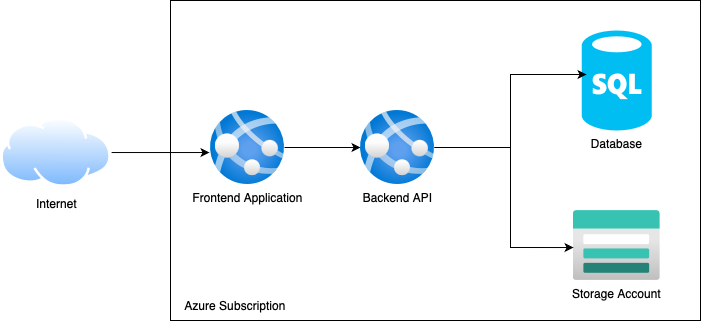
Limitations

  1. Pagination is not supported so some endpoints might return missing data
  2. Nested collection are partially supported as Azure doesn’t allow renaming and editing in a single operation.
Git Gateway Backend

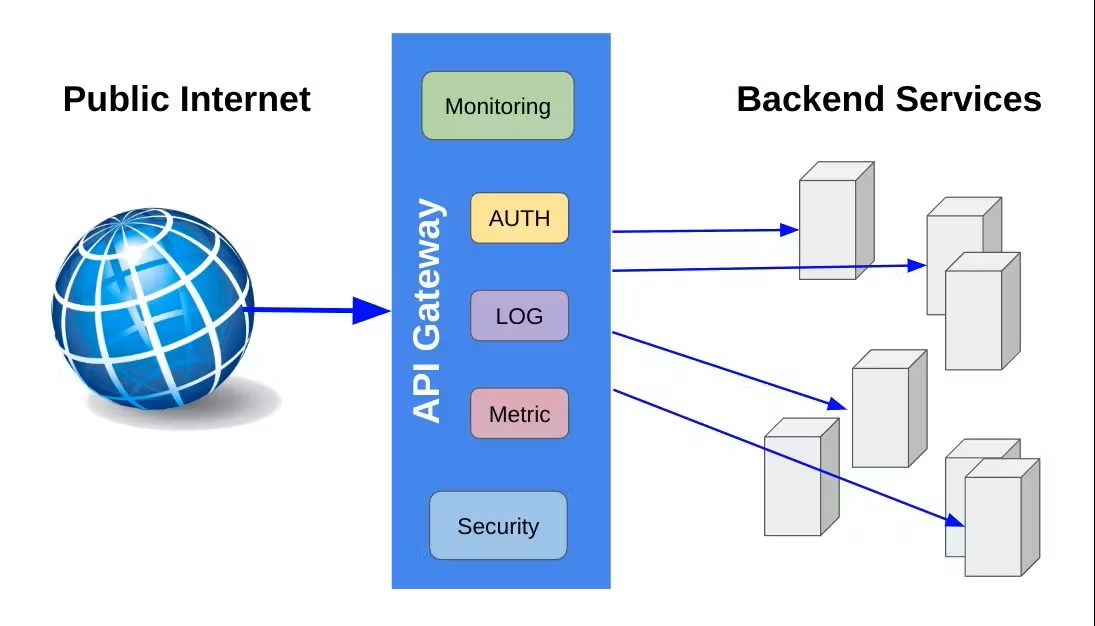
Git Gateway is a Netlify open source project that allows you to add editors to your site CMS without giving them direct write access to your GitHub or GitLab repository. (For Bitbucket repositories, use the Bitbucket backend instead.)

Git Gateway with Netlify

The Netlify Identity service can handle the authentication and provides a simple interface for user management. The Netlify CMS featured templates are working examples of this backend.

To use it in your own project stored on GitHub or GitLab, follow these steps:

  1. Head over to the Netlify Identity docs and follow the steps to get started.
  2. Add the following lines to your Netlify CMS config.yml file:
backend:
  name: git-gateway

Reconnect after Changing Repository Permissions

If you change ownership on your repository, or convert a repository from public to private, you may need to reconnect Git Gateway with proper permissions. Find further instructions in the Netlify Git Gateway docs.

Git Gateway without Netlify

You can use Git Gateway without Netlify by setting up your own Git Gateway server and connecting it with your own instance of GoTrue (the open source microservice that powers Netlify Identity), or with any other identity service that can issue JSON Web Tokens (JWT).

To configure in Netlify CMS, use the same backend settings in your Netlify CMS config.yml file as described in Step 2 of the Git Gateway with Netlify Identity instructions above.

GitLab Backend

GitLab

For repositories stored on GitLab, the gitlab backend allows CMS users to log in directly with their GitLab account. Note that all users must have push access to your content repository for this to work.

Note: GitLab default branch is protected by default, thus typically requires maintainer permissions in order for users to have push access.

The GitLab API allows for two types of OAuth2 flows:

  • Web Application Flow, which works much like the GitHub OAuth flow described above.
  • Implicit Grant, which operates without the need for an authentication server.

Web Application Flow with Netlify

When using GitLab’s Web Application Flow for authentication, you can use Netlify to handle the server-side authentication requests.

To enable it:

  1. Follow the GitLab docs to add your Netlify CMS instance as an OAuth application. For the Redirect URI, enter https://api.netlify.com/auth/done, and check the box for api scope.
  2. Follow the Netlify docs to add your new GitLab Application ID and Secret to your Netlify site dashboard.
  3. In your repository, add the following lines to your Netlify CMS config.yml file:
backend:
  name: gitlab
  repo: owner-name/repo-name # Path to your GitLab repository

Client-Side Implicit Grant (GitLab)

With GitLab’s Implicit Grant, users can authenticate with GitLab directly from the client. To do this:

  1. Follow the GitLab docs to add your Netlify CMS instance as an OAuth application. For the Redirect URI, enter the address where you access Netlify CMS, for example, https://www.mysite.com/admin/. For scope, select api.
  2. GitLab gives you an Application ID. Copy this ID and enter it in your Netlify CMS config.yml file, along with the following settings:
    backend:
     name: gitlab
     repo: owner-name/repo-name # Path to your GitLab repository
     auth_type: implicit # Required for implicit grant
     app_id: your-app-id # Application ID from your GitLab settings

    You can also use Implicit Grant with a self-hosted GitLab instance. This requires adding api_rootbase_url, and auth_endpoint fields:

    backend:
     name: gitlab
     repo: owner-name/repo-name # Path to your GitLab repository
     auth_type: implicit # Required for implicit grant
     app_id: your-app-id # Application ID from your GitLab settings
     api_root: https://my-hosted-gitlab-instance.com/api/v4
     base_url: https://my-hosted-gitlab-instance.com
     auth_endpoint: oauth/authorize

Note: In both cases, GitLab also provides you with a client secret. You should never store this in your repo or reveal it in the client.

Test Backend

Test

You can use the test-repo backend to try out Netlify CMS without connecting to a Git repo. With this backend, you can write and publish content normally, but any changes will disappear when you reload the page. This backend powers the Netlify CMS demo site.

Note: The test-repo backend can’t access your local file system, nor does it connect to a Git repo, thus you won’t see any existing files while using it.

To enable this backend, add the following lines to your Netlify CMS config.yml file:

backend:
  name: test-repo

Netlify CMS now supports GitLab as a backend

Netlify CMS is releasing support for GitLab as a backend, creating the world’s first completely open source stack for Git-based content editing.

We heard you (and you, and you, and you)! While you want to use Netlify CMS as the headless content management system for your Jamstack projects, all of your code lives in GitLab. Our long-term vision is to be tool-agnostic so you can use whatever tool helps you work best. But while you can already use Netlify CMS with most static site generators, backend support was limited to GitHub.

Immediately after the December release of Netlify CMS 1.0, contributors got to work on improving the API for backend integrations. At the urging of the community, we prioritized support for GitLab. With today’s release of Netlify CMS 1.9.0, you can now use GitLab as the backend for Netlify CMS.

Adding support for GitLab means that millions more developers can now use Netlify CMS with their projects. Seriously — millions. GitLab is used by more than 100,000 organizations like Ticketmaster, Intel, Red Hat, and CERN.

How it works

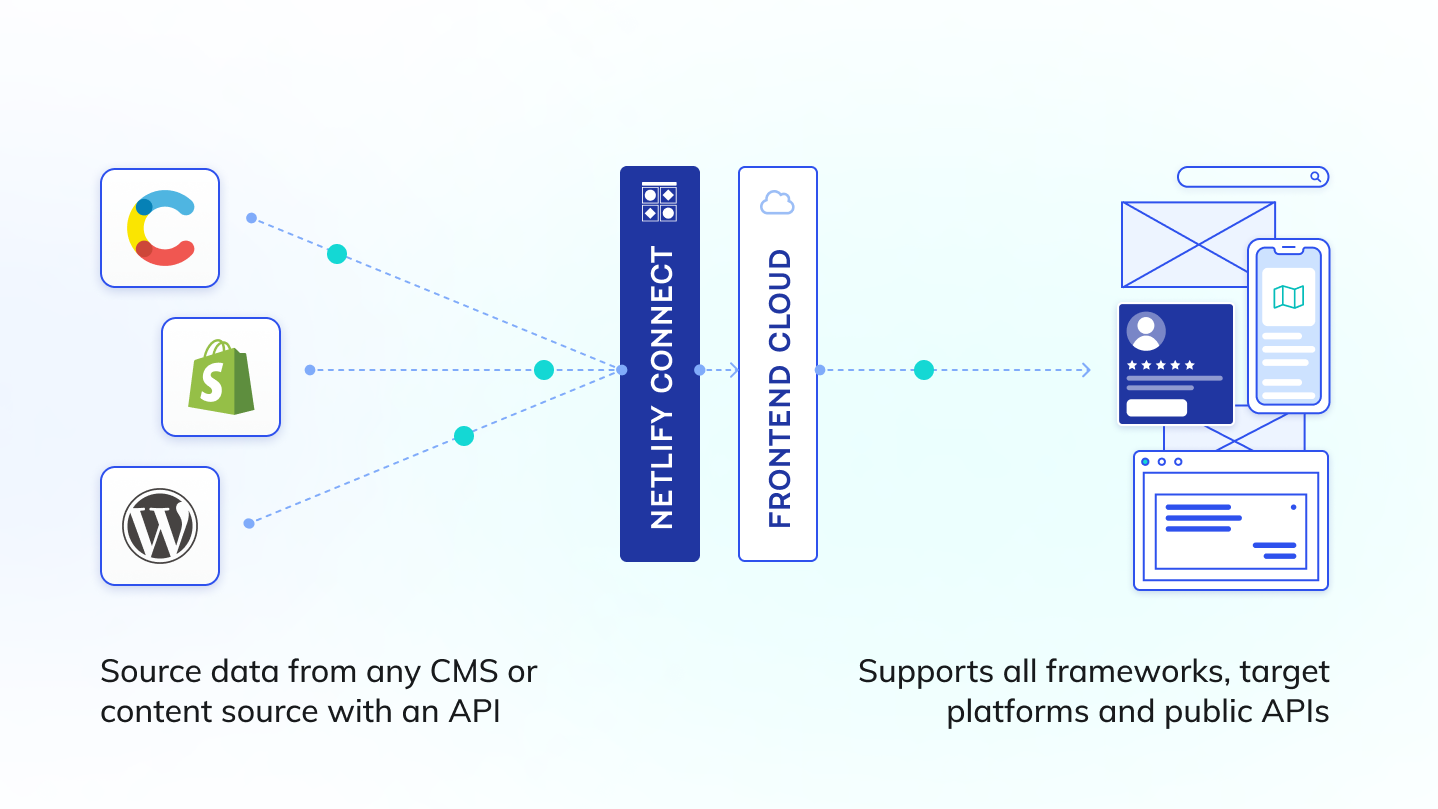
Netlify CMS is an open source content management system for your Git workflow that enables you to provide editors with a friendly UI and intuitive workflow. You can use it with any static site generator to create faster, more flexible web projects. Content is stored in your GitLab repository alongside your code for easier versioning, multi-channel publishing, and the option to handle content updates directly in Git.

In case you want an even easier way to get started, or just want to poke around in the code, you can use the button below to automatically deploy a starter site that uses the Hugo static site generator along with Netlify CMS.

Lastly, one particularly exciting thing about using GitLab as your backend is that it doesn’t require an authentication server. While the GitHub integration requires a hop to an authentication server (something Netlify provides for most users), GitLab’s implicit auth flow allows you to connect directly from your browser to gitlab.com, or even to your own self-hosted GitLab server!

What’s next

We’re already working toward Bitbucket support and will be releasing it as soon as possible! We’re also focused on the upcoming release of Netlify CMS 2.0, which will bring new image handling features and improvements, and improved APIs for better CMS extensions. We’re also looking for more ideas and helping hands, so if you’re keen to build a smarter, safer, and more scalable CMS, we’d love your contributions. Give us a shout on Twitter or in community chat if you have questions or ideas.